

 By Emmanuel Bamfo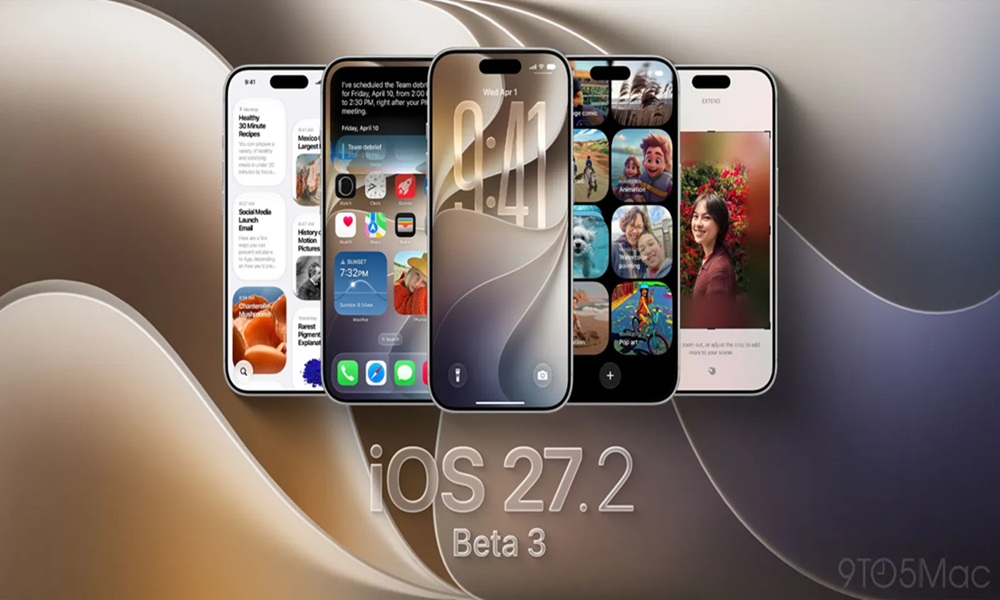
Apple has officially seeded its latest developer beta build to registered software creators around the globe. Tech enthusiasts and developers across Ghana are already downloading the build to test out fresh refinements before the public update lands.
Chale, if you love staying ahead of tech trends, this latest developer release brings important polish to day-to-day iPhone features. Apple continues tweaking system performance, user interface elements, and deep artificial intelligence features to keep everything running fast and smooth.
Camera Control Receives Practical Settings Upgrade
One noticeable feature in this new build targets the latest iPhone models equipped with dedicated camera controls. Developers discovered a handy toggle in the device settings that gives users more freedom over camera activation.
Previously, pressing the hardware capture button required the display screen to wake up before opening the actual app. Users can now disable that restriction so a quick single press opens the camera immediately, even when the screen is dark.
Video Playback in Photos Gets Cleaner Navigation
Media playback inside the native Photos application also received a very welcome usability facelift. Earlier testing builds caused videos to zoom in awkwardly when users tapped on video controls.
This new update stops the screen from zooming in or shaking while playing back captured videos. The video scrubber bar and bottom preview gallery remain visible without hiding important parts of your video content.
Apple Intelligence and System Apps Gain Fresh Polish
Apple continues refining its built-in artificial intelligence writing tools and system navigation menus. The integration with external tools like ChatGPT now displays streamlined, neutral branding icons to avoid confusing native features.
In addition, apps like Apple TV and Notes received cleaner navigation bars and clearer options for adding visual media. These small visual adjustments improve everyday usability and reduce accidental taps when browsing through media folders.
AirDrop Sharing and CarPlay Icons Get Sleek Redesigns
Sharing content wirelessly around the home or office feels slightly fresher thanks to revised AirDrop icons in the system share sheet. The concentric rings feature cleaner spacing and blend better with dark mode themes.
Next-generation CarPlay software preparation continues behind the scenes as well. The software package contains updated icons for media controls and climate management system integration.
How Developers in Ghana Can Download the Build
Registered developers can install the update over the air directly through the standard Settings application. Simply navigate to General, select Software Update, and tap on Beta Updates to pull down the build.
Tech analysts recommend installing developer software only on secondary test devices to avoid unexpected bugs during daily use. Apple is expected to launch a broader public beta testing phase very soon before the final worldwide release.
Also Read: Apple smart home hub launch october-13 keynote details
Source: Ghana News Page