

 By Ghana News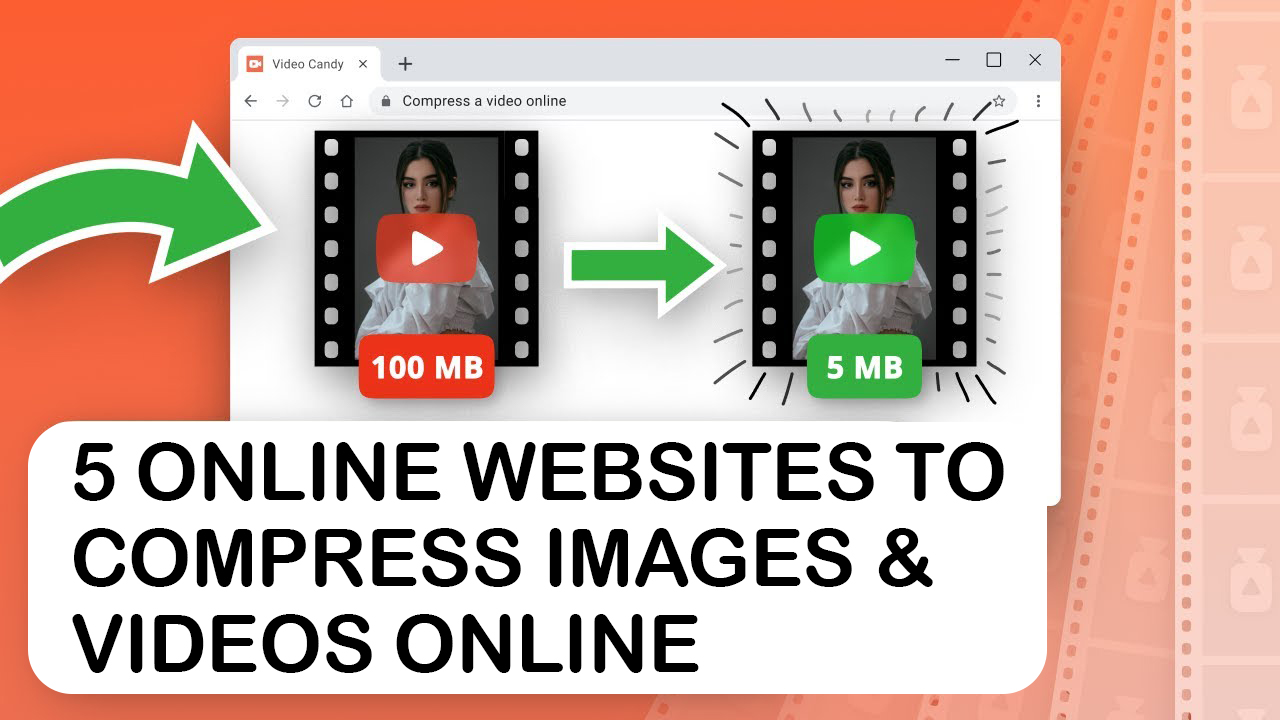
Are you tired of staring at frozen upload bars, dealing with annoying WhatsApp file size limits, and watching your website drag because of heavy images and videos? You are definitely not alone in this digital nightmare. Global data from HTTP Archive shows that images and videos make up over seventy percent of an average webpage’s total weight, making media compression the most critical factor for fast browsing speeds.
The good news is that you can completely bypass heavy, computer-slowing software installations. Highly advanced, free web-based platforms allow you to shrink your media files instantly right inside your browser. Whether you are a business owner trying to fix a slow website or a creator sending files across town, these five real, verified tools will make your media light and fast.
Why Are Your Files So Huge and How Does Compression Actually Save Your Storage?
Large media files are packed with massive amounts of hidden, repetitive data that your eyes cannot even detect. When a camera captures a high-definition photo or a video clip, it records precise color details for every single pixel, creating an incredibly heavy file. Digital compression works by running smart mathematical algorithms that detect identical color patterns and strip out redundant metadata without destroying the visible quality of your work.
Using browser-based compressors allows external cloud servers to handle all the complex processing math for you. This means your phone or laptop will not overheat or freeze up while shrinking a massive video file. Plus, because compressed files use significantly less internet data to upload and download, you will save a lot of money on monthly internet bundles.
1. TinyPNG: The Absolute King of Super Fast Lossless Web Image Compression
TinyPNG is universally recognized as the fastest and most reliable online tool for shrinking PNG and JPEG images without losing visible sharpness. It uses smart lossy compression techniques to selectively reduce the number of colors in your image file, which dramatically slashes the size of your asset. The visual difference is completely invisible to the human eye, but the file size reduction is massive.

The platform is incredibly simple to use because it features a clean, drag-and-drop web interface that handles up to twenty images simultaneously. Web developers and graphic designers rely heavily on TinyPNG because it preserves original image transparency while dropping file weights by up to seventy percent. Keeping your web graphics light through this tool ensures your site scores perfectly on Google PageSpeed Insights, boosting your local search visibility.
2. Clideo: The Safest Web Based Platform to Shrink Heavy Video Files Instantly
Clideo offers one of the most secure and user-friendly online video compression tools available on the modern internet ecosystem. It allows users to upload heavy MP4, MOV, or AVI video files directly from their browser, Google Drive, or Dropbox accounts. The system automatically analyzes your video parameters and applies the optimal balance of bitrate and resolution reduction.
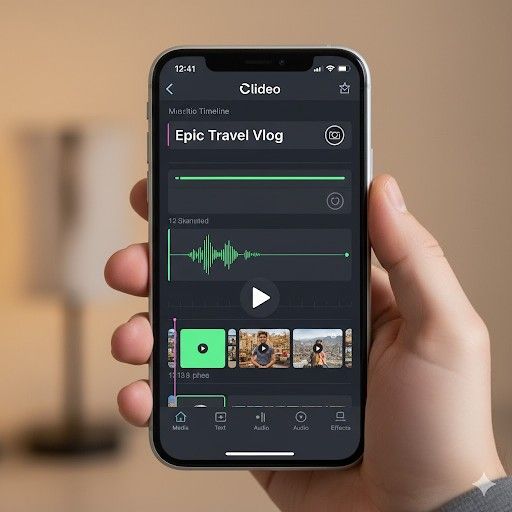
The standout feature of Clideo is its strict adherence to modern data privacy laws. Uploaded video files are fully encrypted and automatically wiped from their cloud storage servers a few hours after processing to protect your private data. It is the perfect web application for shrinking large video recordings down to light sizes that easily fit into email attachments or standard WhatsApp chat messages.
3. FreeConvert: The Advanced Online Solution for Custom Media File Settings
FreeConvert is a highly versatile browser-based compression machine that gives you deep, granular control over your final file output parameters. Unlike simpler tools that operate on a basic one-click model, this platform provides an advanced settings menu where you can manually adjust your target file size. You can choose to compress your media by a specific percentage, a target file size in megabytes, or a customized video bitrate.
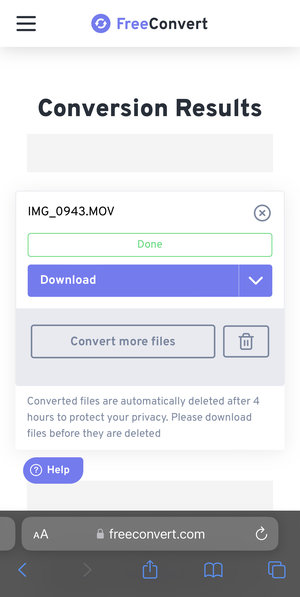
The platform relies on highly robust open-source compression codecs to handle a massive variety of audio, video, and image extensions. FreeConvert provides a large free tier that permits file uploads of up to one gigabyte, making it an exceptional choice for independent creators. The system also processes multiple files at the exact same time, allowing you to convert and compress large media batches without any lag.
4. YouCompress: The Cleanest One Click Tool for Quick No Watermark Files
YouCompress is an excellent, simplified online file compressor explicitly designed for quick tasks where you do not want to configure complex technical settings. The website features an entirely clean interface with zero confusing menus, making it highly accessible for absolute beginners. You simply upload your asset, let the cloud algorithm process the data, and download your lightweight file within seconds.
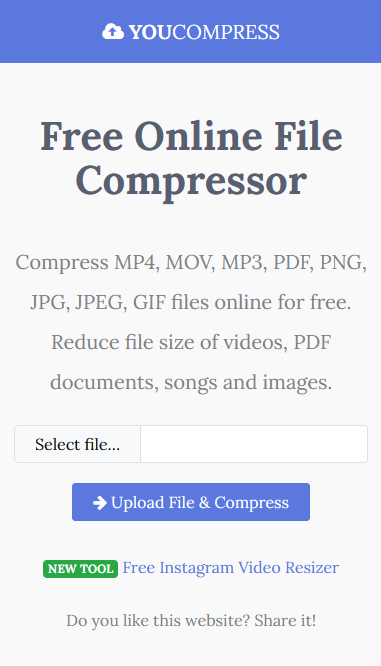
The platform supports a unique, diverse range of file types including MP4 videos, JPEG images, PNG graphics, and even heavy PDF documents. YouCompress stands out because it adds absolutely no ugly watermarks to your finished files and does not restrict the number of files you can process daily. It runs entirely through secure connections, ensuring your business documents and family videos remain fully protected from external interception.
5. CompressJPEG: The Dedicated Tool for Batch Retaining High Image Quality
CompressJPEG is a highly efficient, dedicated web application designed to handle large-scale image compression tasks without dropping visual clarity. The tool allows you to upload up to twenty images at once and provides a real-time preview panel for each individual file. This allows you to visually compare the original photo side-by-side with the compressed version before downloading the results.
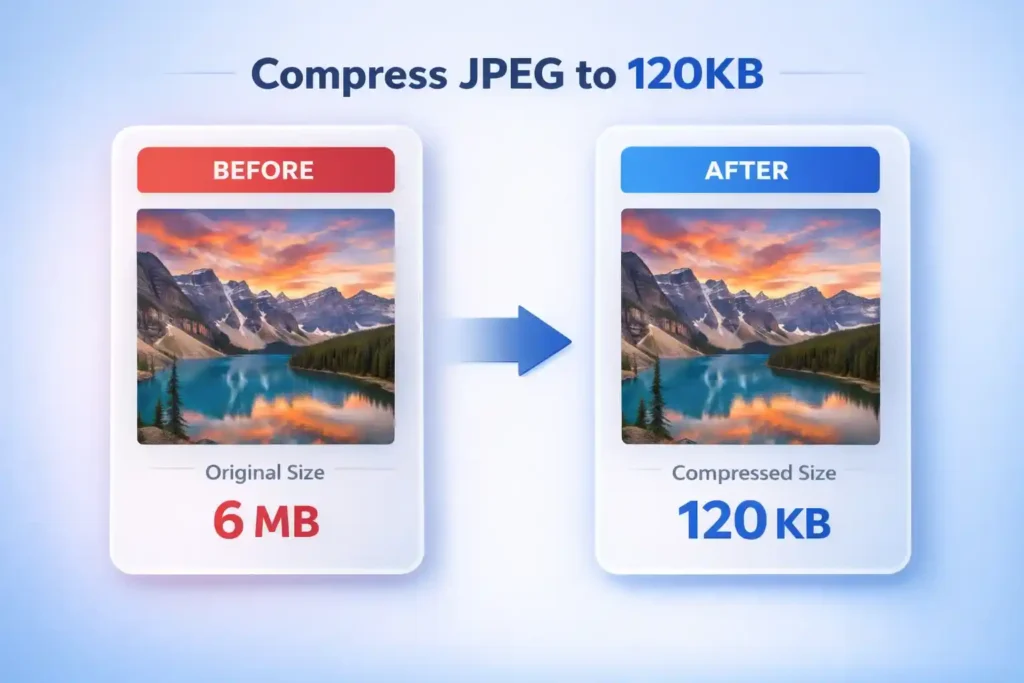
The real power of CompressJPEG lies in its manual quality control slider tool. If the automated algorithm shrinks your photo a bit too much, you can easily slide the quality bar up or down to achieve the exact look you want. It is a highly trusted platform for digital marketers who need to optimize huge galleries of product photos quickly while keeping every single detail sharp and crisp.
How Do You Select the Best Media Compressor for Your Daily Creative Work?
Picking the perfect online tool does not need to be a stressful task, it simply depends on the specific type of file you are holding right now. If you are preparing a batch of graphics, banners, or logos for a website upload, TinyPNG and CompressJPEG will give you the fastest loading times. For quick video tasks where you need to fit a clip onto a social media post, Clideo and YouCompress provide clean results without watermarks.
When you are dealing with massive, non-standard file formats that require customized bitrate settings, FreeConvert will give you the precise control you need. Utilizing these cloud-powered platforms saves your device’s battery life, preserves your hard drive space, and keeps your digital media incredibly fast. By making media compression a regular habit, you will deliver a much smoother online experience for your clients, viewers, and customers across the globe.
Also Read: 5 Online Tools For Video & Image Editing (Cut, Trim, and Arrange)